

USB Cable
What Is USB Cable
The term USB stands for "Universal Serial Bus". USB cable assemblies are some of the most popular cable types available, used mostly to connect computers to peripheral devices such as cameras, camcorders, printers, scanners, and more. Modern variations of USB are not just limited to communication only as they now focus on power delivery too. However, it gets a little trickier when choosing the right type because USB has evolved into many variants today. Smartphones, laptops, chargers, power banks, printers, or any device else may all feature USB connectivity of some sort.
Advantages of USB Cable
Universal compatibility
USB cables are widely used and compatible with a wide range of devices like smartphones, tablets, cameras, and more.
Ease of use
They are easy to connect and disconnect, making charging and data transfer simple and convenient.
Data transfer
USB cables can also be used for data transfer between devices, allowing you to sync files and media.
Cost-effective
USB cables are generally affordable and readily available, making replacements easy to find.
-
-

-
-

-
-
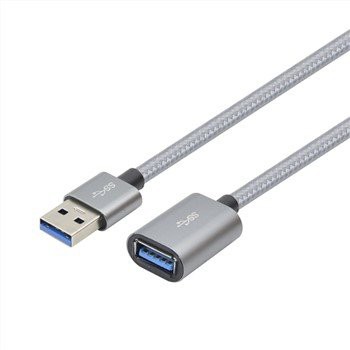 USB3.0 Male To FemaleCertification: CE, REACH, ROHS. Place of Origin: Guangdong, China. Brand Name: SKW. Model Number:Add to Inquiry
 -
 USB3.0 Am Male To MaleCertification: CE, REACH, ROHS. Place of Origin: Guangdong, China. Brand Name: SKW. Model Number:Add to Inquiry
 -
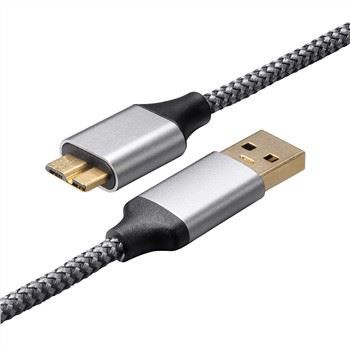
 USB3.0 Am To BmCertification: CE, REACH, ROHS. Place of Origin: Guangdong, China. Brand Name: SKW. Model Number:Add to Inquiry
 -
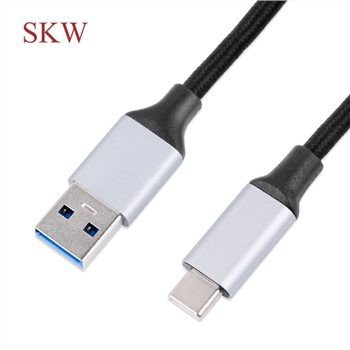
 Type C Led Fast Charging CableFast Charging Type C LED USB Cable. Model Number: USB-4001BAdd to Inquiry


Tel: +86-756-8699660
Fax: +86-756-8699663
E-mail: sale-9@farreach-electronic.com
Add: No.6 Chuangye Road Est., Shuanglinpian Zone, United Harbour Industrial Area, Zhuhai, Guangdong, China
Why Choose Us
Customer settings
Besides our existing molded products, Farreach also can produce cable products according to the drawings or samples from our customers and offer free and professional design services.
Quality control
We control the product quality critically for every step during the manufacturing from raw meterial to finished products with 100% QC inspection and after sales services.All our products have 1 years warranty,you can rest assured for the quality.
Innovation
HIE was founded in 2009 and specializing in product development and brand operation of consumer electronics and that enhance the digital life of people all over the world. We believe that through innovative design, we can improve the way people interact with technology in their daily lives.
After-sale service
One of the greatest strengths of any product is the support that comes with it. We don’ t just stand by our products with industry-leading warranties, we stand by our customers, and treat each customer’ s question or concern as if it were our own. We support each customer with responsive, friendly, and helpful communication, seeing every question or concern as a valuable chance for us to improve.
Different Types of USB Cables
USB type-A
One end of most USB cables is a type-A connector. This is a very common type of USB connector that you can see on computers, printers, chargers, etc. Typically, it has a black rectangle connector that is most commonly used for data transfer up to the standards of USB 2.0 specification. However, the connector can be blue and red for USB 3.0 and USB 3.2 standards. One end of every USB cable is a type-A connector that is used to connect an IT peripheral to a PC.
Micro-B
Micro-B is a tiny 5-pin connector that is most common with small electronics like older smartphones, power banks, and game controllers. The micro-B connector is used for making a data connection between a PC and these small digital devices. It is also used to deliver power to the smartphone’ s battery with a charger. The micro-B USB is still common in budget android smartphones that do not have a USB-C receptacle.
USB type-C
You must know what is a USB-C port as this is the most common connector today. USB-C charging is the most recent standard of USB technology. It is widely found in smartphones, modern laptops, tablets, power banks, etc. USB-C features a 24-pin reversible plug which means that you can plug it either up or down. Besides, USB-C offers data transfer speeds up to 20Gbps.
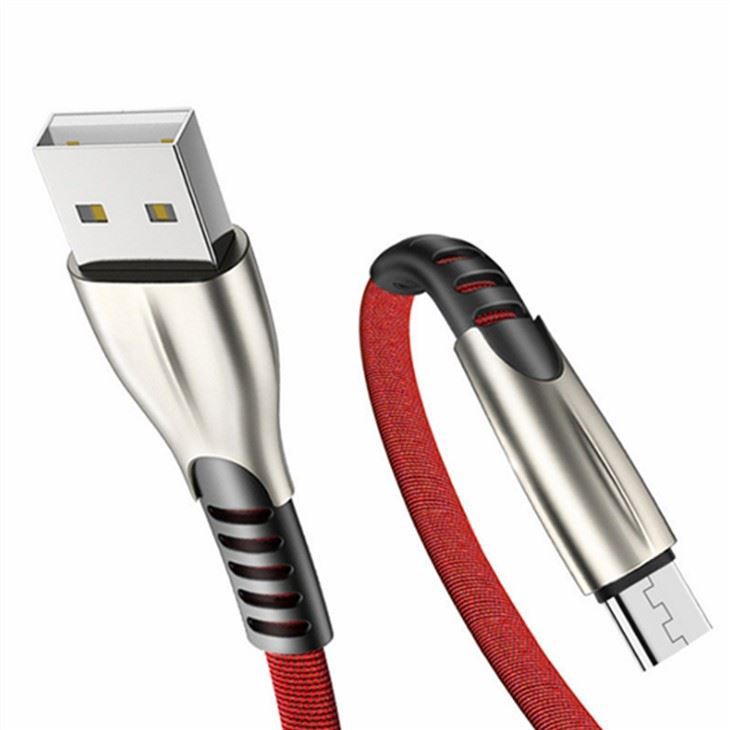
USB type
Before buying a cable for yourself, decide what type and version of USB you want to buy. Cables can have different types of USB connectors as we talk above. You can’ t charge any USB C device directly with a USB Type B cable, for example. Find the USB cables with the right connectors for your devices.
Manufacturer
Always buy USB cables from reliable manufacturers only because they use high-quality materials to manufacture a cable.
Certification
Before buying a USB cable check for its safety certifications. These certifications ensure that the cable is safe to use under normal conditions without the risk of fire, short-circuit, and electric shock. These safety certifications are issued to manufacturers by the government.
Build type
Rubber USB cables are common, but they get some environmental wear and tear over time. You can also buy braided USB cables because they are sturdier and more resistant to kinks and twists.
Uses of USB Cables
Data transfer
USB cables enable seamless file transfers, syncing, and data backup between computers and external storage devices, smartphones, tablets, cameras, printers, and other peripherals.
Charging
USB cables are commonly used for charging mobile devices. They connect to power sources like computers, USB wall chargers, power banks, or AC power bars to recharge smartphones, tablets, and other portable devices.
Peripheral connectivity
USB cables establish connections between computers or host devices and peripheral devices like keyboards, mice, printers, scanners, game controllers, and audio interfaces, ensuring seamless plug-and-play integration.
Audio and video transmission
USB cables connect audio interfaces, MIDI controllers, mixers, headsets, microphones, and video devices, facilitating data transfer and recharging of cameras. They also support multimedia integration in digital signage, kiosks, and more.
Automotive industry
USB connections play a significant role in vehicle infotainment systems, supporting data transfer, device charging, and multimedia integration. Users can access music, videos, and photos via smartphones, tablets, and USB storage devices in their vehicles. They also facilitate integration with features like GPS navigation, hands-free calling, and satellite radio, among others.
Medical devices
USB cables enable data transfer, communication, and charging between medical devices and computers, facilitating seamless integration and analysis of patient data. They are also crucial for transferring electronic medical records and medical imaging files securely, as medical devices often handle sensitive patient data that cannot be risked through wireless transmission options.
Internet of things (IoT)
USB connections integrate smart home devices, industrial sensors, monitoring devices, and point-of-sale systems into the IoT ecosystem. They support the communication and power transmission between devices, sensors, and control modules.
Other applications
USB cables are also widely used in industrial automation systems, point-of-sale terminals, smart agricultural implements, industrial sensors, control modules, and multimedia integration in digital signage and kiosks.
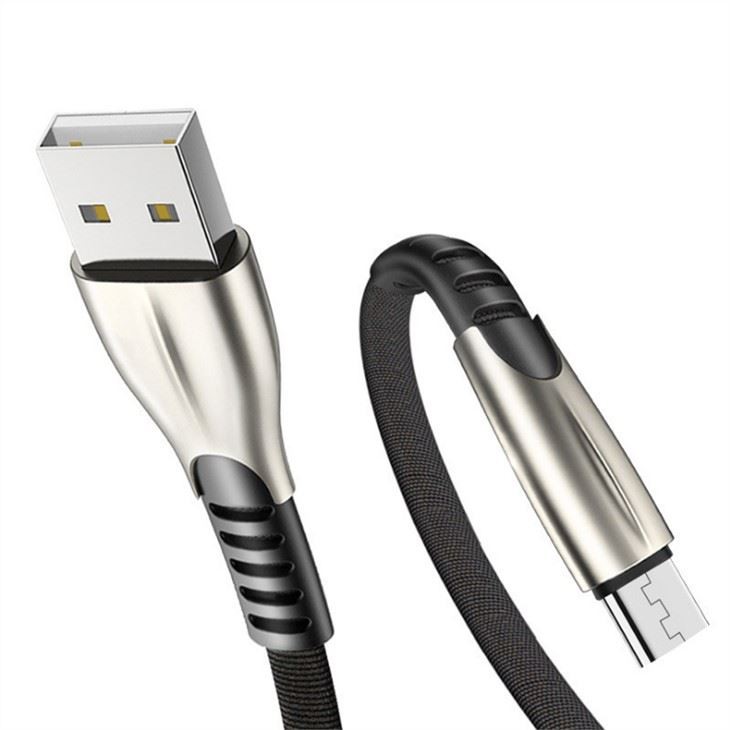
USB4
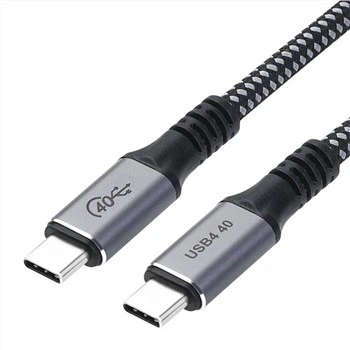
Powered by technology, USB4 offers faster data transfer, enhanced power supply, and improved connectivity. It supports multiple 4K displays and provides more power than USB4 alone.
USB-C adoption
USB-C connectors will continue gaining popularity due to their reversible design and compact size. They are expected to replace conventional USB connections in various devices. New legislation in the European Union has also mandated the use of USB-C connectors for all phones, tablets, digital cameras, headphones, handheld video game consoles, and e-readers by the fall of 2024. We has already confirmed it will comply with the new legislation, which will further accelerate the adoption of USB-C connectors across a wide range of electronic devices.
Wireless connectivity and USB-C
Integration between USB-C connections and wireless devices is becoming more prevalent. WiFi USB hubs and USB-over-WiFi software applications enable wireless data transmission from USB devices.
Compact bluetooth adapters
Compact Bluetooth adapters inserted into USB-C ports allow computers to communicate with nearby Bluetooth devices.
One of the key features of USB cable standards is their backward compatibility. This means that newer USB cable versions can work with older USB cable standards, ensuring your devices and cables stay functional as technology advances.
USB cable 3.2, for instance, is designed to be compatible with USB cable 2.0 and USB cable 1.1. This compatibility allows you to connect USB cable 3.2 devices to older USB cable ports without issues. However, it's essential to note that the capabilities of the older USB cable standard will limit the transfer speeds. For example, if you connect a USB cable 3.2 device to a USB cable 2.0 port, your transfer speeds will be limited to USB cable 2.0. When talking about USB cable connectors, it's essential to mention USB cable Type-A, which has been the long-time standard physical connection for USB cable devices. The backward compatibility provided by USB cable Type-A allows you to connect modern USB cable devices that support newer USB cable standards, like USB cable 3.2, with older devices. As long as you use a USB cable cable that supports the appropriate USB cable speeds, you can also take advantage of the full capabilities of your devices.
Another connector type, USB cable Type-C, has gained popularity for its reversibility and support for faster data transfer rates. While it is not directly compatible with USB cable Type-A, adapters can bridge the gap between the two connectors. This means that you can still connect your USB cable Type-C devices to older USB cable Type-A ports with the help of an adapter, maintaining the backward compatibility benefits. The USB cable standards have been designed with backward compatibility in mind. This ensures you can continue using your devices and cables even as new USB cable versions emerge.
There are dedicated ports on docking stations, charge hubs and computers that are commonly referred to as fast charge ports. There are also specialised USB cables for fast charging. These ports and cables often boast more power to charge mobile devices like smartphones and tablets, quicker than with a standard USB cable and adapter. Make sure to check the product details for full charge speed specifications.
A common way to identify the USB version is to see what colour the inner plastic part of the connection is. White indicates USB 1.0, black USB 2.0, and a blue USB port is USB 3.0. It’ s important to know that some manufacturers decide against using the colour coded indicators, so you should always check the packaging or online specification. Depending on the version of the cable, USB 3.0 cables have a maximum length of 3m, and USB 2.0 has a 5m limit. It’ s possible to employ an active extension USB cable to repeat the signal over a longer distance. USB 2.0 can then be extended to a maximum USB cable length of 25m and USB 3.0 to 18m. The majority of cables, as well as some other brands, are made with hard-wearing PVC plastic. This protects everything inside, including the high-quality copper wiring, which provides excellent conductivity.
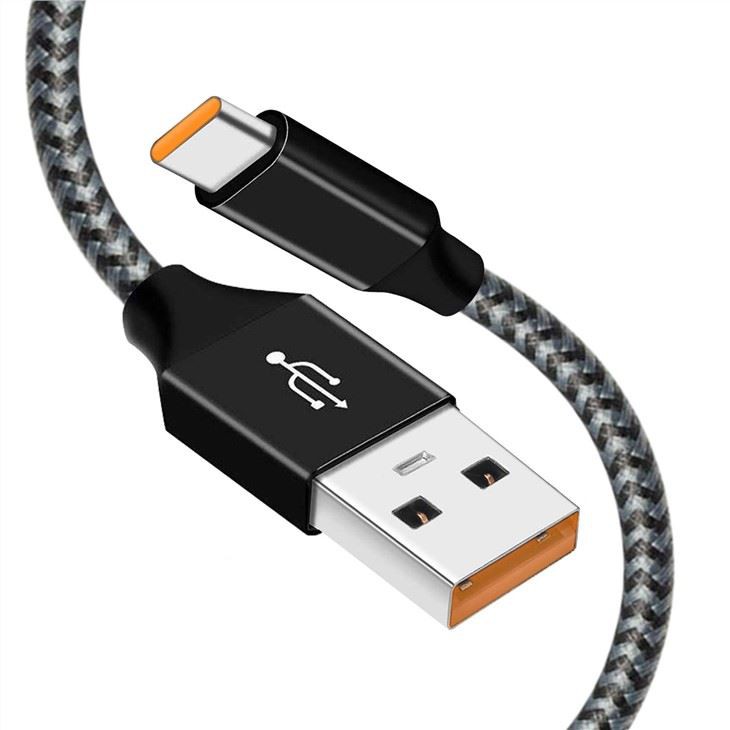
Essential Tips to Make Your USB Cable Last Longer
Unplug your cable carefully
To prevent unnecessary strain on your USB cables, always disconnect them from your devices with care. Avoid pulling the cable up or down while disconnecting to minimize pressure on the connector. Also avoid yanking or pulling the cable forcefully. Instead, gently grasp the connector (the end that plugs into your device) and pull it straight out to minimize stress on both the cable and the device's port.
Roll up your cable gently
When it comes to storing your USB cable, don't wrap it too tightly around your hand or an object. Roll it up gently and loosely, holding one end and creating loose, circular coils. This simple practice helps avoid kinks and reduces strain on the cable's internal wires.
Unplug your cable while using a device
Try to disconnect your USB cable when using a device if it applies too much pressure on the connectors. While it’ s perfectly fine to use a phone or laptop while charging, be careful not to bend the cable too much in the process. For instance if you get a call while charging your phone, gently unplug it if possible or hold the phone in an angle where it doesn’t put too much pressure on the connector. Reducing this everyday wear and tear on the connector can significantly prolong the lifespan of your cable.
Store in a protective case
Invest in a dedicated protective case or cable organizer to store your USB cables when they're not in use. A proper case will shield them from accidental damage, tangling, and exposure to moisture, ensuring they stay in top-notch condition for longer. Especially when traveling and placing your cable in a backpack, unplug your cable from your charger and device and store it in its case.
Avoid exposure to moisture
Moisture can be a silent killer for USB cables and any other electronics. Prevent exposing them to water, humidity, or other liquids that may corrode the connectors or compromise the cable's internal components. Keeping them dry and away from damp environments will extend their life.
Use cable reinforcements
Consider using a cable reinforcement like a cable sleeve or an external bend protector at the cable's stress points. Even duct tape, when carefully applied, will do the job. This may not be the most elegant or practical solution but adding an extra layer of protection against friction can help to protect your cable from fraying and other damage. Make sure to do this as early as possible and not only when the copper wires are already exposed.
Invest in high-quality cables
A cable that was designed for durability will already come with extra protections against friction and undergo stringent testing, guaranteeing they are built to withstand everyday use. All of the above mentioned tricks will also help to make them last longer but you won’ t have to be as careful.
Our Factory
HIE was founded in 2009 and specializing in product development and brand operation of consumer electronics and that enhance the digital life of people all over the world. We believe that through innovative design, we can improve the way people interact with technology in their daily lives.

certificate


FAQ
As one of the most professional USB cable manufacturers and suppliers in China, we're featured by good service and competitive price. Please rest assured to wholesale high quality USB cable made in China here from our factory.
DP TO HDMI CABLE, USB3 0 TYPE C charging cable, Sigle color PVC Molding Toslink cable